
How to Redeem Hounds of Marrow County Codes
Practical steps for when official promo codes finally ship in Alpha.
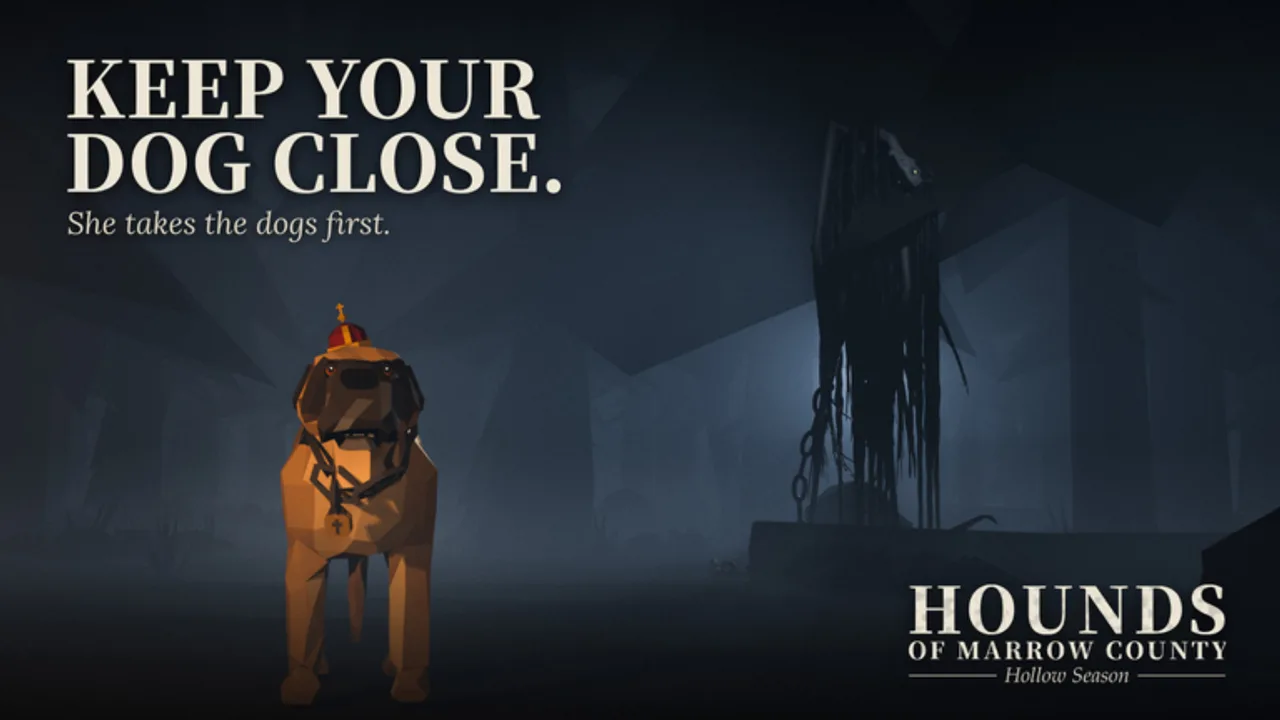
This guide explains how to redeem codes in Hounds of Marrow County once the creator adds a working Codes path. Right now the Alpha has no publicly confirmed active codes, so treat this as a readiness checklist plus the usual Roblox redemption patterns. When pileofsheep (Grobas) drops a real string, come back here, then confirm the code still appears on the Codes Hub.
Redeeming early saves frustration: wrong capitalization, expired strings, and scam “code generators” burn more time than hunting a single Gnome for ~1,400 Marks. Use this page so a future free crate, cosmetic, or Marks bundle lands in your inventory on the first try.
Before you redeem anything
- Confirm the code is real. Only trust strings listed on this wiki’s Codes Hub, the official Roblox experience page, an announced Discord/group shout, or in-game patch notes on the Updates Hub. Random TikTok lists often recycle codes from other hunting games.
- Join the correct place. Open Hounds of Marrow County (universe 10770339917). Codes almost never work from the Roblox website alone unless the experience explicitly uses a web redeem flow.
- Stay logged into the account you want rewarded. Marks, dogs, and cosmetics bind to that Roblox account — not to your Lodge decoration layout alone.
- Have inventory / UI space ready. If a code grants furniture or trophies, a cluttered Lodge can make rewards harder to notice even when they succeeded.
- Ignore executors. Anyone offering a script “to redeem all codes” is pushing malware or ban risk. Read the Scripts Hub safety section instead.
Step-by-step: when an in-game Codes UI exists
Most modern Roblox experiences eventually add a button labeled Codes, Redeem, Gift, or similar on the main HUD, settings gear, or shop panel. When Hounds of Marrow County ships that UI, use this flow:
- Spawn into a server (up to 16 players) and wait for the HUD to finish loading — Alpha UIs can lag on first join.
- Open the menu that contains Codes / Redeem / Promo (exact label may change between Alpha patches).
- Click the text field and type the code exactly as published. Codes are usually case-sensitive; do not add spaces before or after.
- Press Redeem / Submit / Claim.
- Watch for a success toast, Marks counter bump, or inventory popup. If nothing appears, check the error message before retrying.
- Leave the Codes panel and verify the reward: Marks total, dog roster, gun attachments, Lodge trophies, or crate keys.
- If the reward is cosmetic or seasonal (for example leftover Halloween / All Hallow’s Crate items), equip it from the relevant wardrobe or crate UI so you know it applied.
Screenshot success messages when testing brand-new codes — that helps the community confirm expiry windows for the Codes Hub.
Alternate pattern: chat or NPC redeem
Some Alphas skip a dedicated button and use a command, NPC, or Lodge terminal instead. If patch notes say “say /code in chat” or “use the Lodge radio,” follow the update text literally:
- Type only the published command plus the code string.
- Do not paste long scripts into chat.
- Redeem once; spamming the same code can look like exploit behavior to moderators.
- If chat is filtered, try the Codes UI path after the next patch rather than inventing workarounds.
Until the creator documents a path, do not assume /redeem works. Empty guesses waste chat and annoy the 15 other hunters in your server. Community etiquette tips live on the Players Hub.
Common errors and fixes
| Message / symptom | Likely cause | What to do |
|---|---|---|
| Invalid / incorrect code | Typo, wrong game list, or fake social post | Re-copy from Codes Hub; check capitalization |
| Expired / already ended | Timed event code | Remove it from your list; wait for the next drop |
| Already redeemed | One redeem per account | Switch accounts only if the rules allow; do not share passwords |
| No Codes button | Feature not shipped yet | Keep playing the hunt loop; watch Updates |
| Reward missing after success | UI delay or Lodge/inventory tab | Rejoin once; check Marks and inventory tabs |
| Kick / strange popup after “code site” | Phishing or executor | Close it; never enter your Roblox password on third-party pages |
If Roblox itself shows a platform-level gift or premium grant, that is separate from in-experience promo codes — claim those through official Roblox prompts only.
What codes are (and are not) for in this game
Hounds of Marrow County’s core loop is hunt, fish, and survive day versus night risk with 40+ dogs, 40+ animals, 15+ guns with attachments, and a customizable Lodge. Codes, when they exist, usually accelerate cosmetics, starter Marks, or event crates. They do not replace:
- Learning dog personalities and traits for your hunts (Tier List)
- Safe night routing and Gnome risk management (~1,400 Marks but they hunt you after you break one)
- Lodge waypoint planning for corpse runs and trophy display
- Reading Alpha patch notes so balance changes do not strand your loadout
New players should finish Getting Started before relying on freebies. A code that drops a mid-tier gun still needs ammo sense, attachments, and a dog that matches your playstyle.
Safety checklist while hunting for codes
- Never download a “code generator” APK, Discord bot, or browser extension that asks for your cookie or password.
- Never trade your account for “unlimited Marks codes.”
- Never trust a player who says the only working code is behind a YouTube like-and-subscribe survey — those funnels steal accounts.
- Report phishing in-server through Roblox’s report tools; Alpha bugs belong on creator channels listed under Players.
- Prefer official sources linked from the experience page over mirror sites that auto-generate fake tables.
After a successful redeem
Spend Marks with a plan: upgrade the Lodge waypoint first if you keep dying far from base, then invest in dogs and guns that fit Marrow County’s haunted forest routes. Cross-check new cosmetics against seasonal notes on Updates. If a code granted a crate key, open it when you have inventory space and note whether duplicates are tradeable or account-bound (Alpha rules can change).
Finally, return to the Codes Hub and refresh after each major version bump (for example beyond V1.7 / 1.73). This how-to page will gain screenshots and exact button names once the Codes UI is confirmed in a live build.
Related pages
- Codes Hub — live list status (currently no confirmed active codes)
- Getting Started — Marks, dogs, Lodge, and first hunts
- Updates Hub — where redemption UI announcements usually appear
- Guides Hub — survival and hunting deep dives
- Scripts Hub — why fake “auto redeem” executors are unsafe
Frequently Asked Questions
Quick answers for hunters in Marrow County.
Can I redeem Hounds of Marrow County codes right now?
There are no confirmed active codes yet, and a dedicated Codes UI may not be shipped. Bookmark Codes and retry after updates announce redemption.
Do I redeem on the Roblox website or in the game?
Almost always inside the experience after joining a server. Only use the Roblox website if an official prompt says so — never on random third-party “code” sites.
Why does my code say invalid?
Check typos and capitalization, confirm it belongs to this game on the Codes Hub, and verify it has not expired or already been claimed on your account.
Will redeeming codes get me banned?
Official promo codes are safe. Executors, stolen accounts, and fake generators are not. See the Scripts Hub for ban-risk warnings.
Where should I spend Marks from a code?
Prioritize Lodge utility and dogs that match your hunt style, then guns/attachments. Start with Getting Started if you are new.